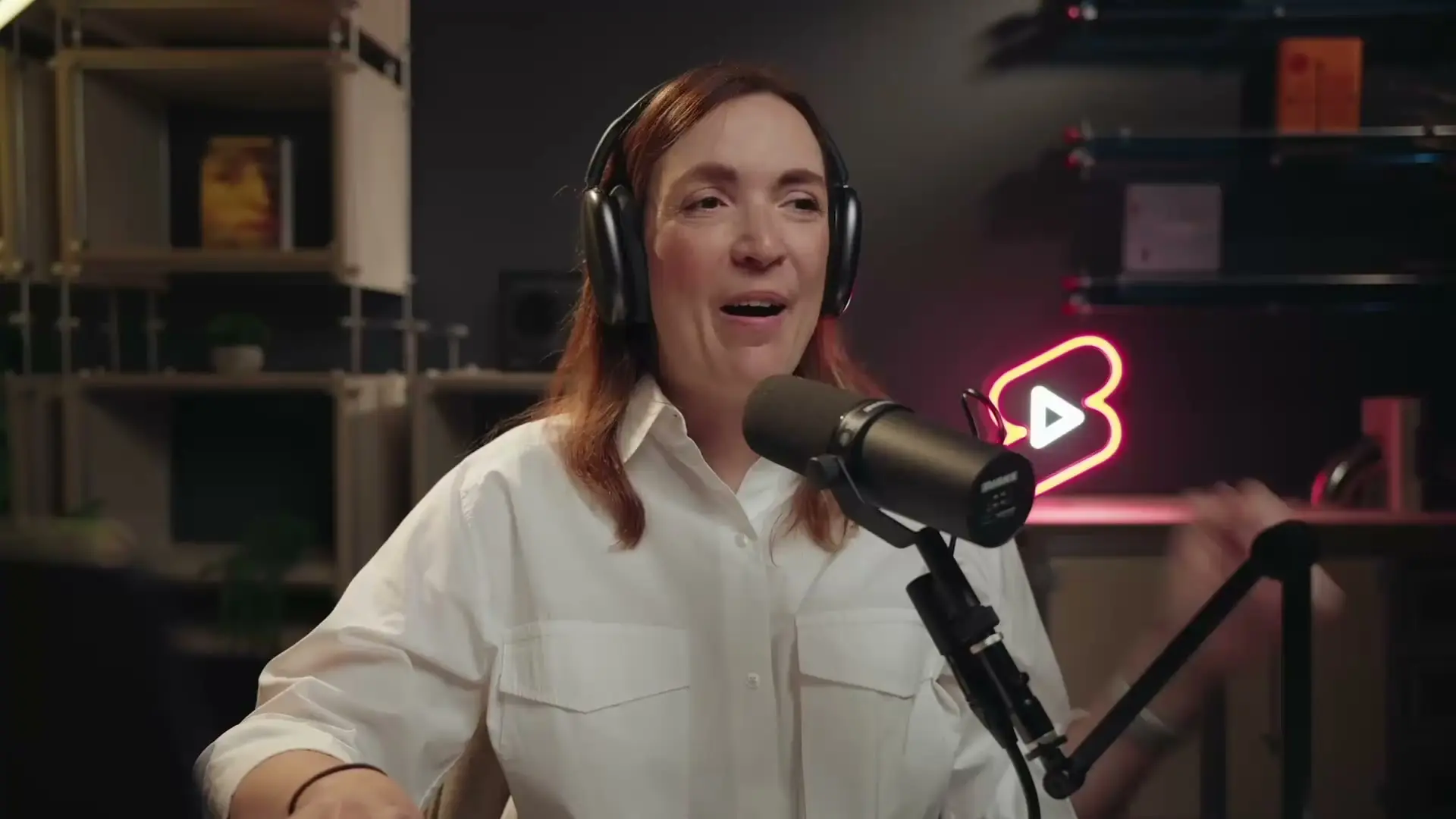

Combined chat
Read and reply to every platform from one conversation.

Create a polished live show, stream it everywhere, and turn every broadcast into content that keeps working.


Trusted by 11M+ creators
Loved by 500K teams







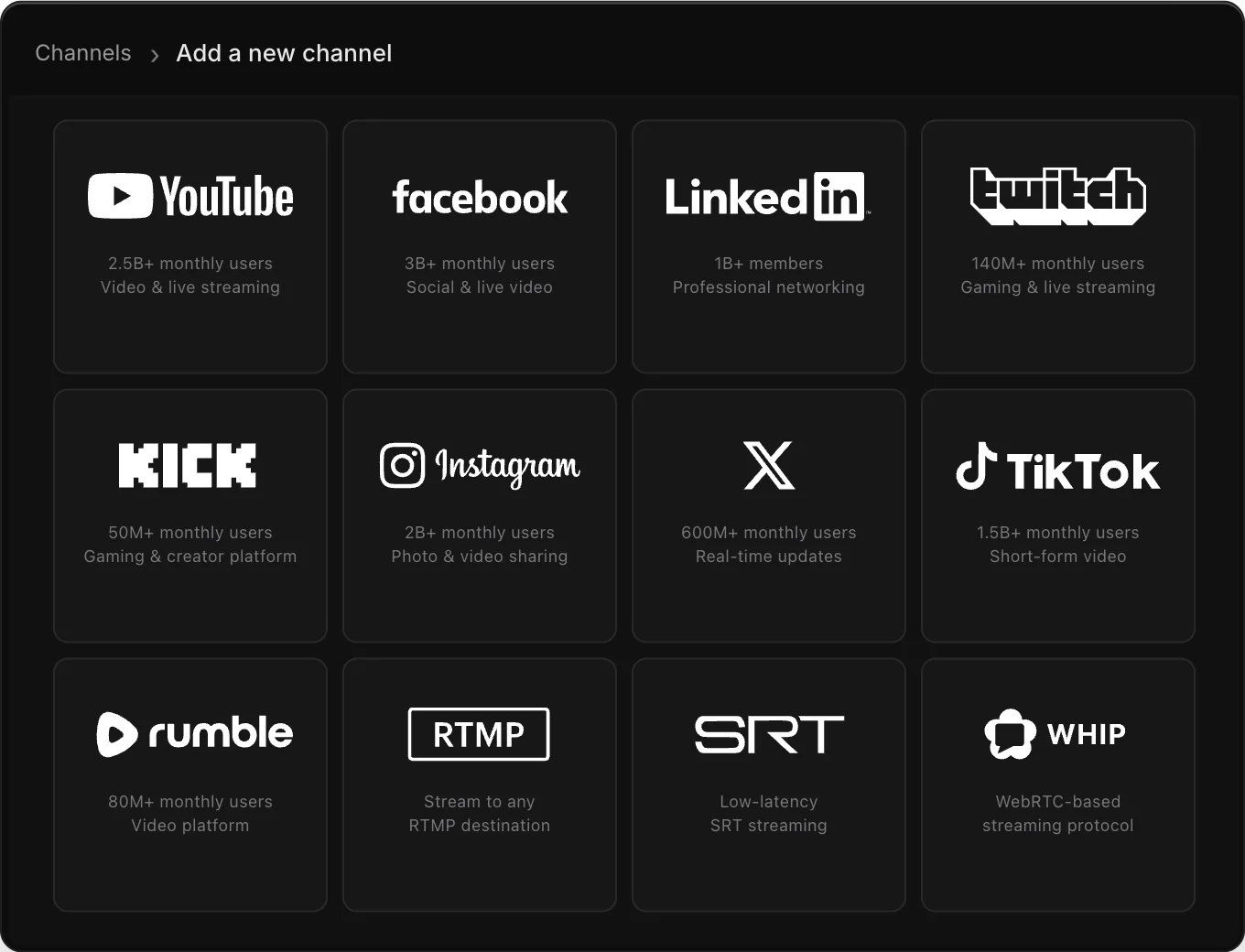
Go live on all the platforms your audience already uses—at the same time, from one simple setup.
Read and reply to every platform from one conversation.
Stream vertical and horizontal formats at the same time.
Compare reach and performance without switching dashboards.
Do you know the secret to growth? It’s to keep the algorithm fed, and now you can do it on autopilot across main channels.
Find moments · add captions · publish everywhere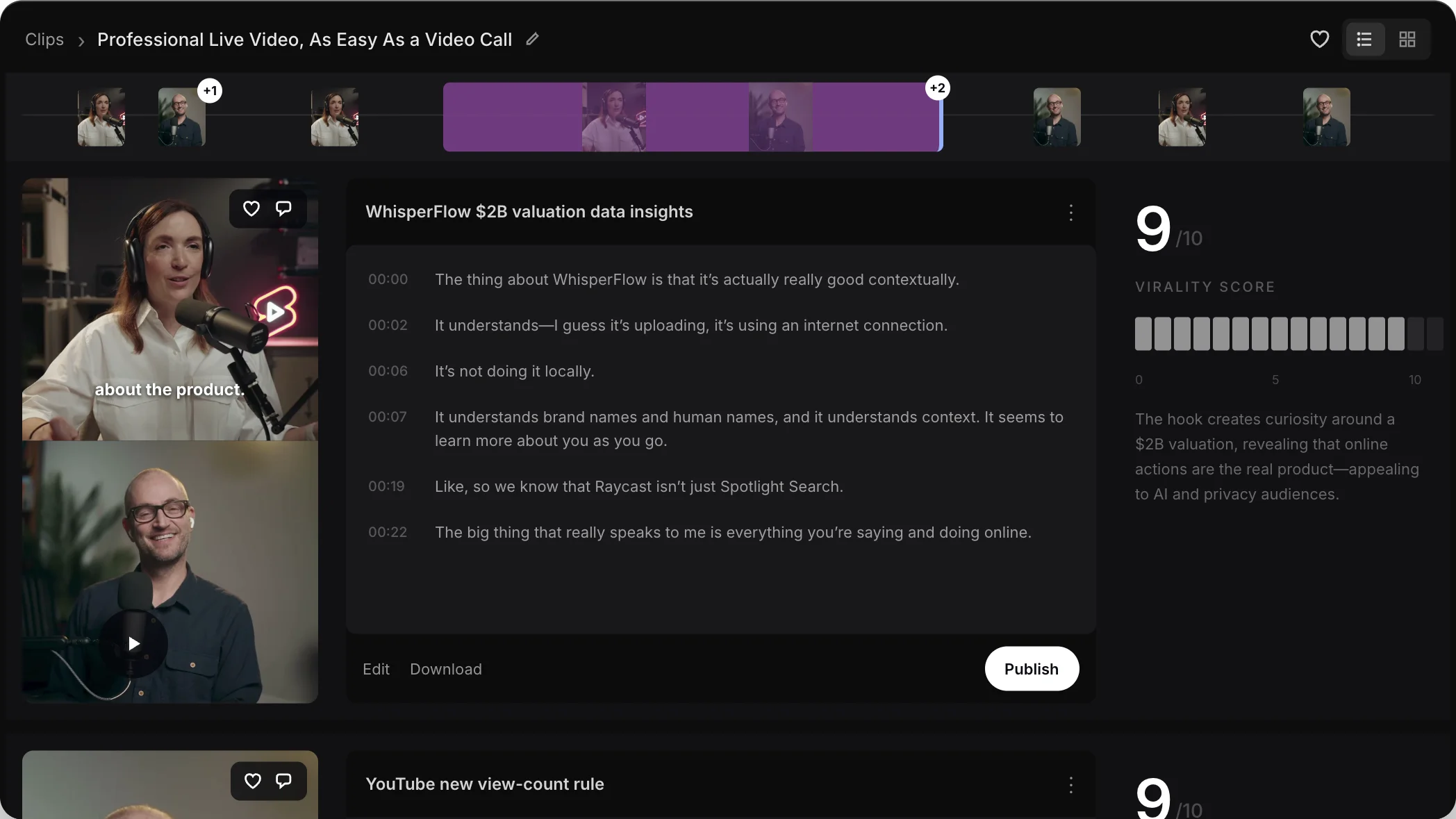

AI detects the key moments from your stream or video.

Cropping, captions, and trims are applied instantly without an editor.

One conversation fuels a pipeline of content across every platform.
One studio, every format—from company news to classes, commerce, and podcasts.
Broadcast company announcements and product launches to new and potential clients.
Host live press conferences, news updates, interviews, and real-time Q&A sessions.
Launch a new product live and demonstrate how it works to your community.
Increase customer base and revenue with limited time only offers and promotional sales.
Share your knowledge with the world by going live with webinars, classes, & workshops.
Download your live streams’ recordings to use them as podcasts later on.
Start free, then unlock more destinations, higher quality, and production control as you grow.
Multistreaming at no cost
Get started for free✓ Stream on 2 channels at once
✓ Read chat in one place
✓ No quality limits with encoders
✓ Restream branding
Billed monthly
Choose this plan✓ Stream on 3 channels at once
✓ No Restream branding
✓ Record 6hrs of each stream in the cloud
✓ Connect custom channels
✓ Centralized platform analytics
✓ Guest channels
Billed monthly
Choose professional✓ Stream on 5 channels at once
✓ Stream from Studio in Full HD 1080p
✓ Record 10hrs of each stream in the cloud
✓ 4K Ultra HD local recordings in Studio
✓ Split audio and video feeds for each guest
✓ Horizontal and vertical streams in parallel
✓ Co-producer mode
Billed monthly
Choose this plan✓ Stream on 8 channels at once
✓ Embed on your website — 1,000 viewers
✓ SRT, HLS & WHIP support
✓ Recordings stored for 30 days
✓ 2 included team seats
✓ Roles and access control
✓ Stream disconnect protection
✓ Priority 24/7 live chat support
Choose extra capacity for clips, prerecorded streaming, and webinars in Slack.
Get ready-to-post clips optimized to go viral from your streams, automatically.
Record a perfect live show off-air and broadcast it just as if it were really live.
 Streaming into Slack
Host polished town halls, leadership updates, and company news in Slack.
Register on our website, connect platform accounts and go live in seconds right from your browser (no setup needed) or your favorite streaming tool.
Our plans are based on the number of channels you need to stream to and additional features. Our support can help you pick a perfect plan.
No, Restream doesn't affect your video quality thanks to our innovative technology.
Yes, you can add guests with an invite link. Restream supports up to 10 participants.