


What Are Restream Clips? The easiest way to turn streams into short-form content
Learn what Restream Clips are, how automatic highlight detection works, and how to turn any live stream or recording into ready-to-publish short-form content.
Short-form video is one of the most reliable ways to grow an audience in 2026. Platforms like TikTok, YouTube Shorts, and Instagram Reels actively push short content to new viewers — meaning every clip you post has a chance to reach people who have never heard of you before.
The problem is time. Reviewing a full stream or recording to find the best moments, editing them down, adding captions, and posting across multiple platforms is a lot of work. Most creators either skip it entirely or burn out trying to keep up.
Restream Clips is an AI clip maker built into your Restream dashboard. It automatically finds the strongest moments from your streams and recordings, lets you edit and caption them, and publishes them directly to social media — without touching a separate video editing tool.
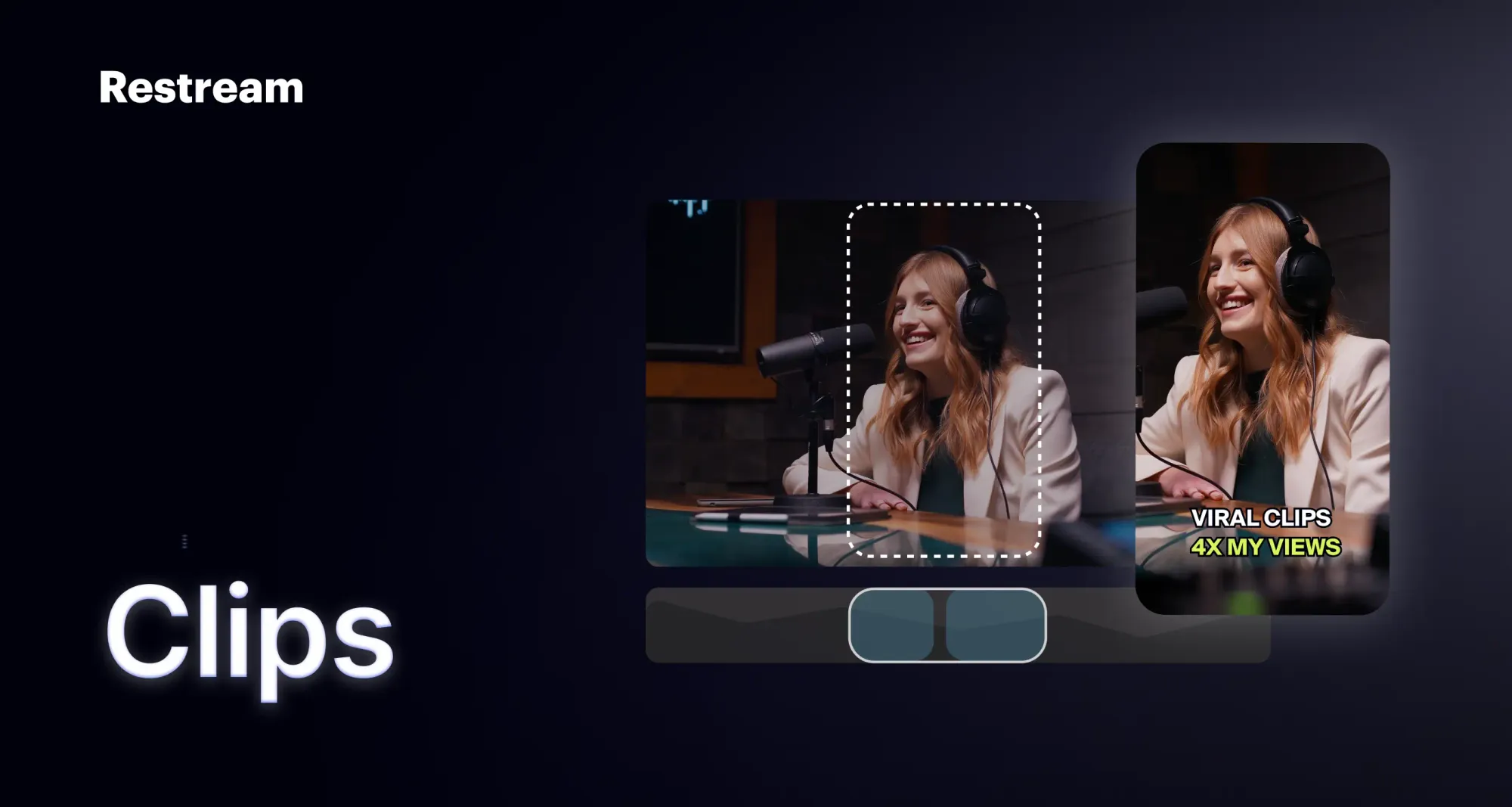
How to turn live streams into short clips with Restream
Restream Clips scans your recording and surfaces the most engaging segments automatically. It works best with content that includes talking — streams, webinars, podcasts, interviews, and presentations.
What makes it different from standalone video clipping tools is that it works directly inside Restream. There is nothing to download, no files to transfer, and no separate platform to manage. Clips can be generated after a stream ends or while you are still live, so you do not have to wait until a broadcast is over to start sharing highlights. You can also upload existing videos and generate clips from those.
Once your clips are ready, you can review and edit them before publishing — or post them straight to social media as-is.
Key features
- Smart highlight detection - Automatically surfaces the strongest moments from your recording without manual scrubbing.
- Live Clipping - Generate and share clips while you are still broadcasting, without waiting for the stream to end.
- Captions and translation - Auto-generated subtitles with support for a wide range of languages.
- Flexible formats - Export in vertical, horizontal, or square to match any platform.
- Built-in editor - Trim by transcript, reframe speakers, add B-roll, drop in a logo, and customize captions.
- Multi-platform publishing - Post directly to TikTok, YouTube Shorts, Facebook Reels, LinkedIn, and X. Multiposting to several platforms at once is supported.
- Full HD export - All final clips are delivered in Full HD.
Who should use Restream Clips?
Restream Clips works for anyone producing live video regularly who wants to get more out of each broadcast without adding editing work to their day.
- Creators and streamers who want a consistent short-form posting schedule without spending hours in an editor.
- Brands and marketing teams running webinars or live events who need to repurpose a single session into multiple pieces of content.
- Podcasters who record with Restream and want highlight clips ready for social without a separate workflow.
Start repurposing your streams today
Every stream has moments worth sharing. Restream Clips makes sure none of them go to waste — turning each broadcast into ready-to-publish short-form content without adding anything to your workload. If you are already streaming with Restream, you have everything you need to start repurposing today.