


Overview
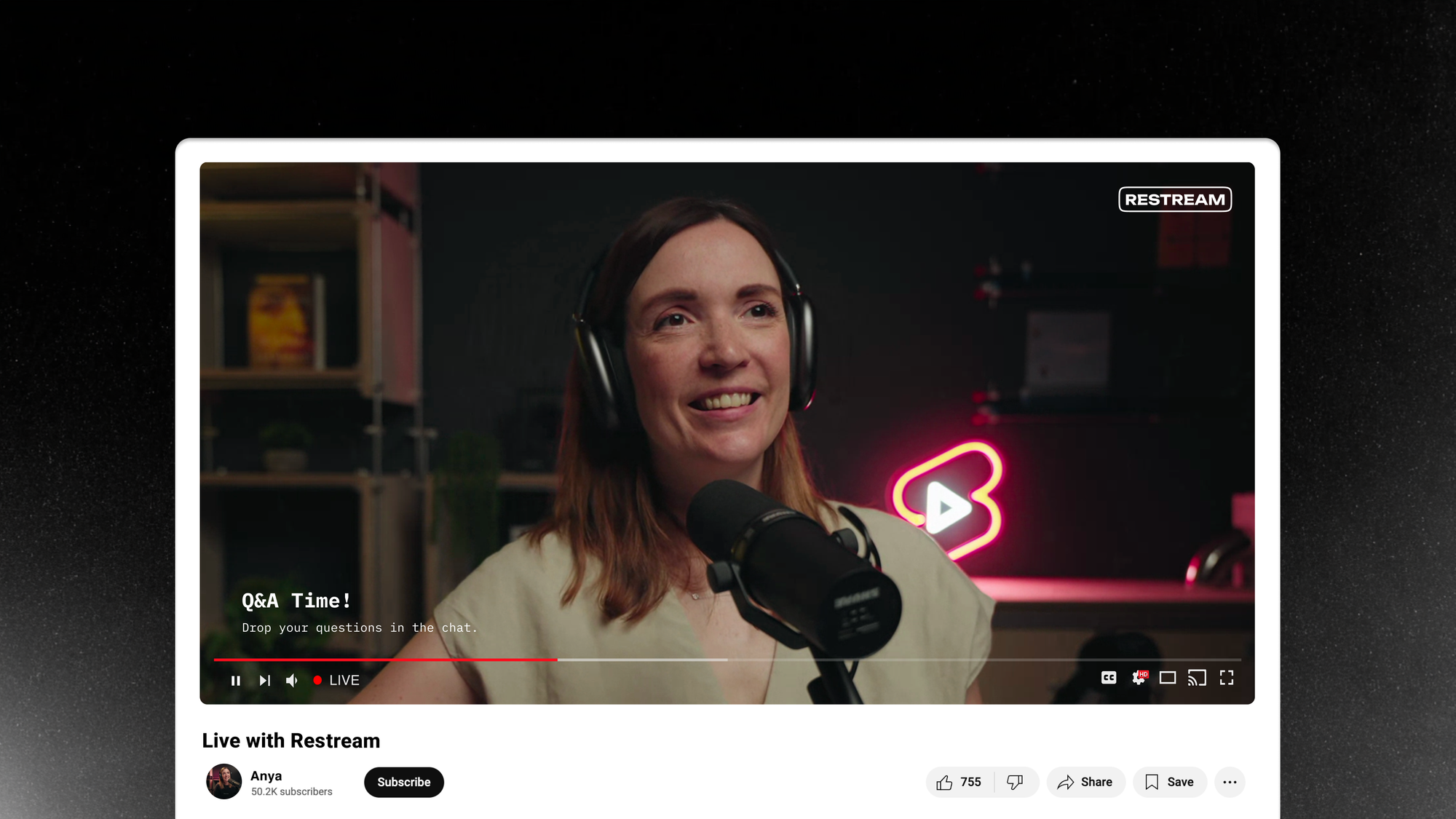
YouTube is the world's largest video platform, and there's more than one way to show up there than a single live broadcast. Restream is an all-in-one YouTube live streaming tool that lets you go live from your browser or your favorite streaming software like OBS, reach YouTube alongside every other platform you use, and turn each broadcast into a stream of YouTube Shorts — all without extra software.
Benefits of using YouTube with Restream
- Multistreaming: Stream to YouTube and multistream to other platforms like Facebook, LinkedIn, and Twitch at the same time, without extra load on your system.
- Customization: Add branded elements, such as logos and backgrounds, to help your stream stand out.
- Engage with viewers: Restream Chat makes it easy to stay connected with your audience, track, and respond to comments right from your production tool.
- Scheduling events: Our YouTube integration allows you to create your events and easily manage details like titles and thumbnails without ever leaving Restream.
- Upload and stream videos: Don’t want to be live on camera? With Restream, you can keep your viewers engaged by scheduling a pre-recorded video to stream live on YouTube.
- Stream in landscape and portrait at once: With dual output, send a standard landscape stream and a portrait mode stream to the same YouTube channel in the same session with no second setup required.
- Turn streams into YouTube Shorts: Clips is an add-on that scans your broadcast for its strongest moments and reframes them as vertical, ready-to-post Shorts that publish straight to your YouTube channel. You can enable Live Clipping to get your first Shorts within minutes of going live, or generate more from any past recording.
How to use YouTube with Restream
Restream is natively integrated with YouTube, so all you need to do is connect your YouTube channel to Restream and you’ll be ready to start streaming!
- Create a Restream account: You can do it for free at Restream.io.
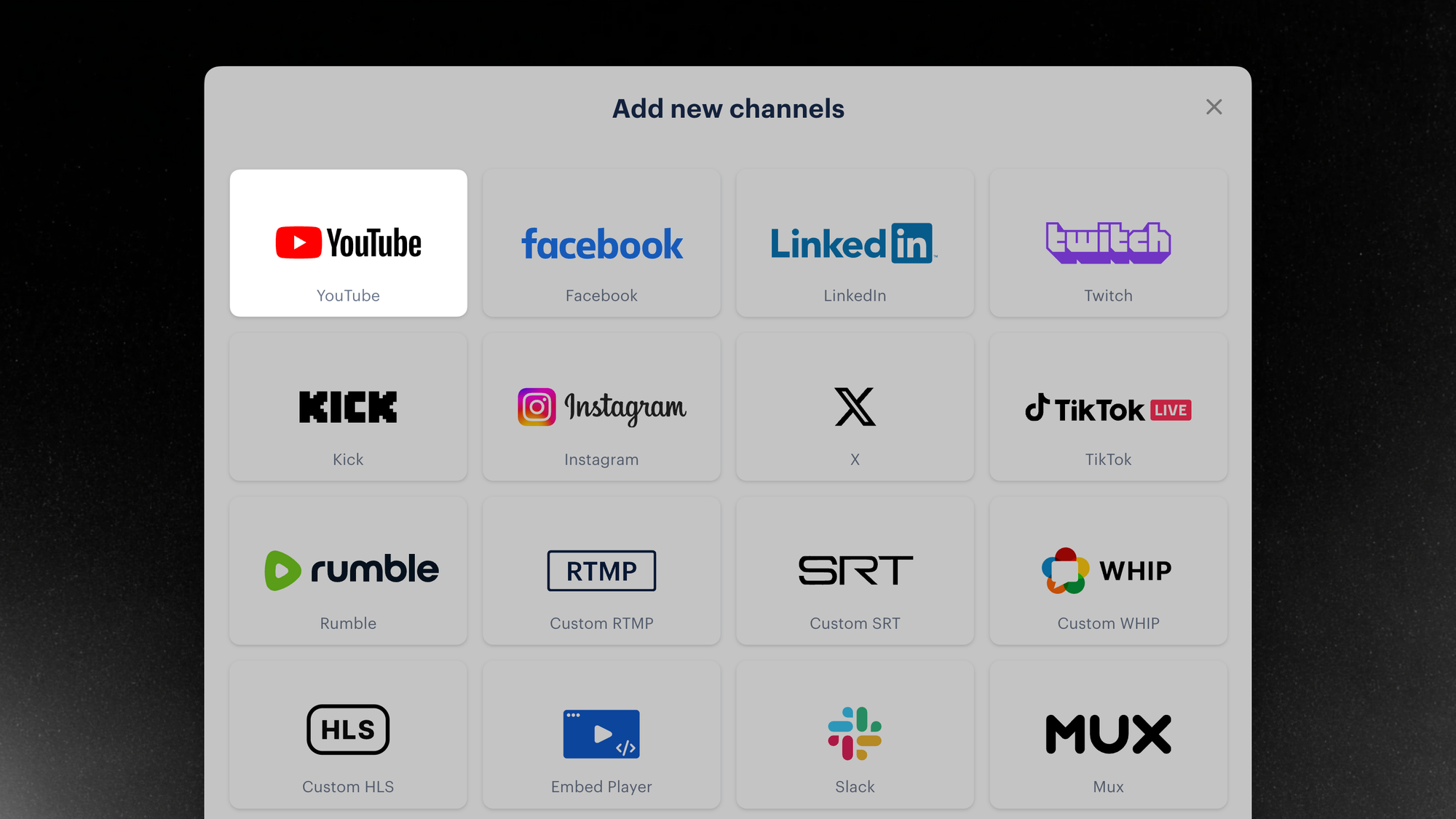
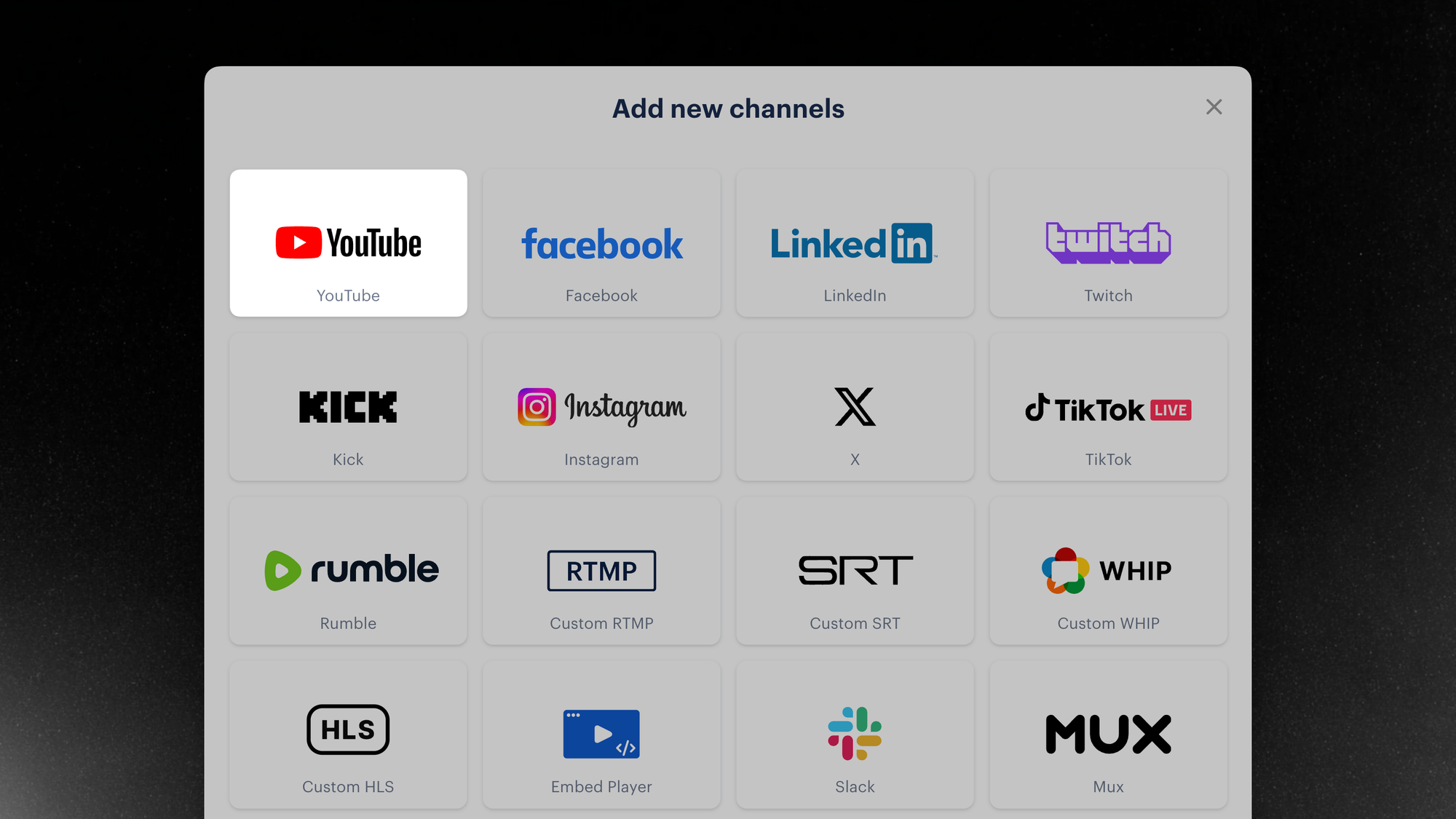
- Connect your YouTube channel: Click Channels on your home screen, select Add New, and click the YouTube icon. Follow the steps to log in to YouTube and authorize Restream.
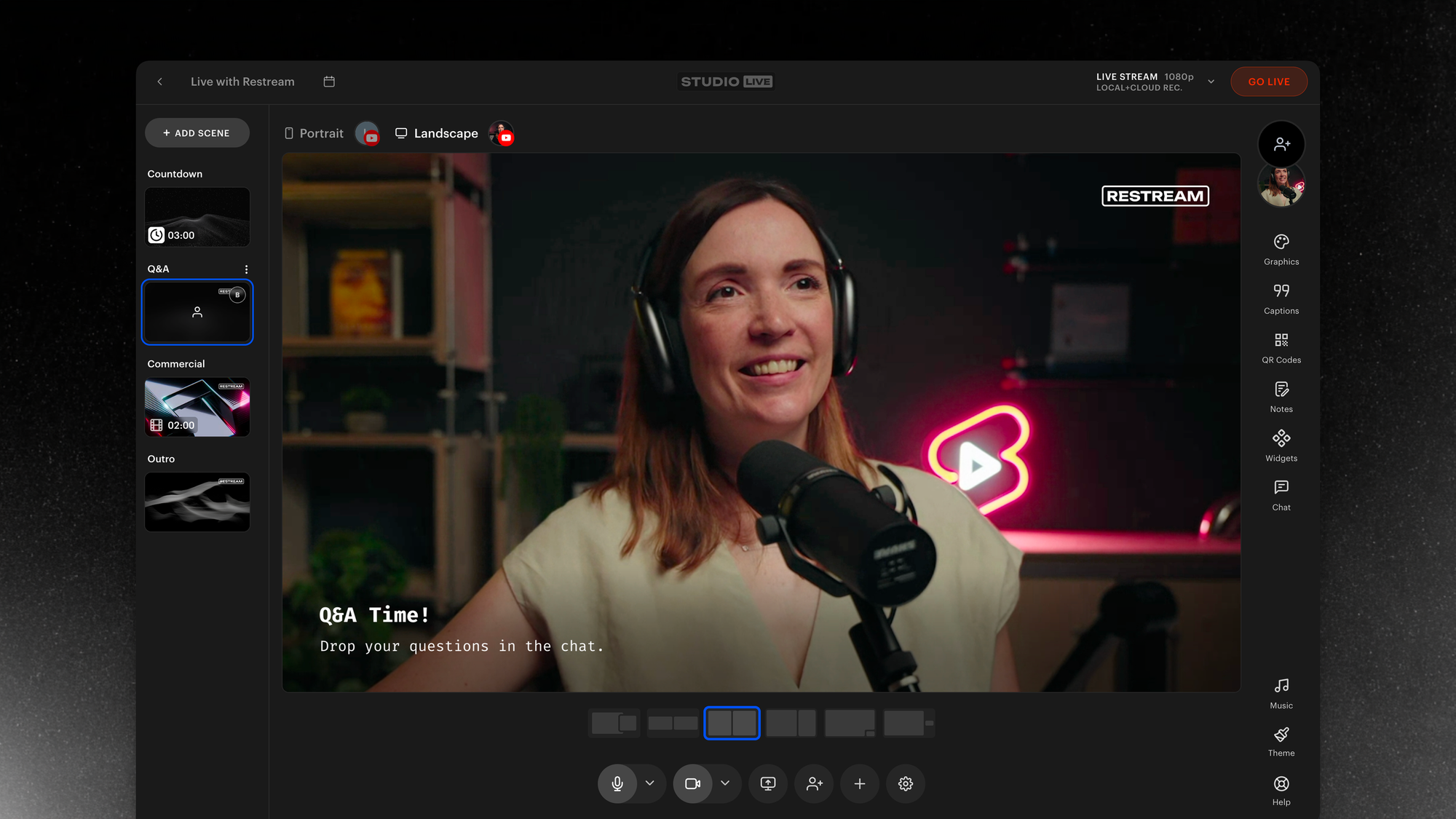
- Set up a stream: Click New Stream and select how you’ll go live. Restream Studio works directly on your browser! Click here to learn how to set it up in detail.
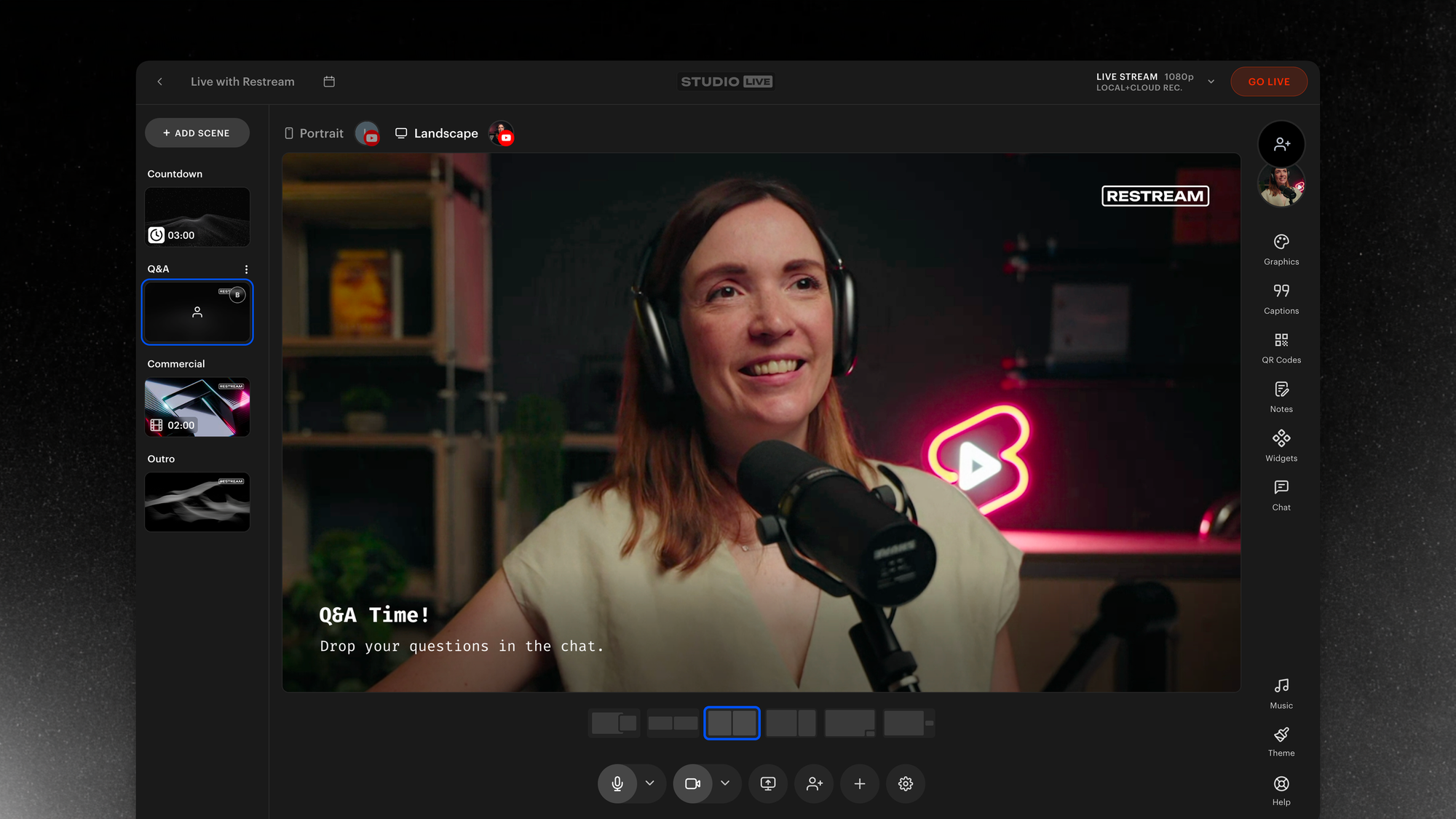
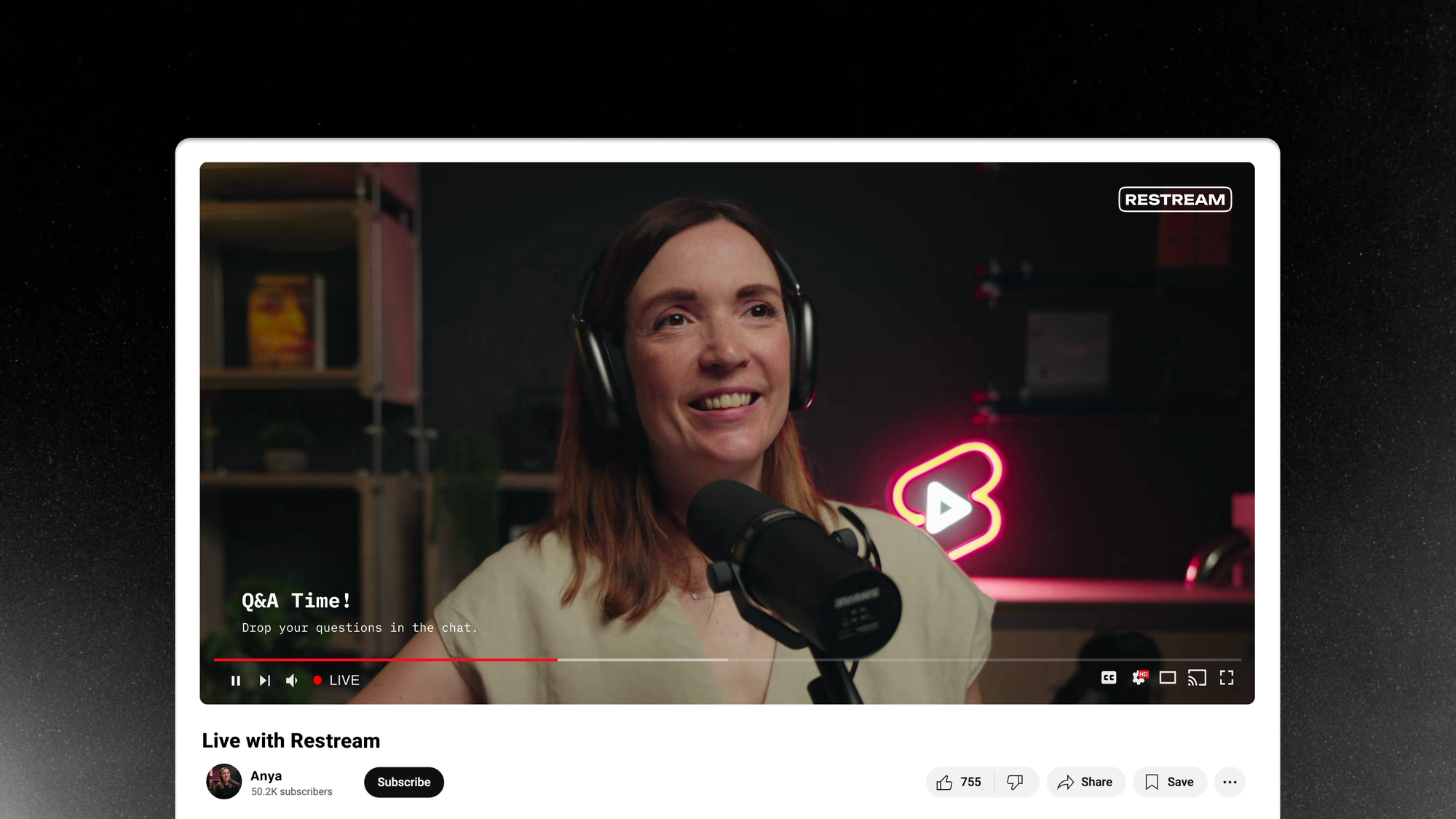
- Start streaming: Once you’re all set, click Go Live, and you’ll be streaming to YouTube.
Additional features
- Chat relay: Restream’s relay bot can repost chat messages from one platform to another so your YouTube viewers can see what Twitch viewers are saying and vice versa.
- Stream analytics: Knowing how your stream performs is key to your growth, and Restream provides aggregated analytics for multiple platforms, including YouTube.
- Track how your YouTube streams perform with Analytics and see views, chat activity, and stream quality in one dashboard. Use Ask AI to ask plain-English questions about a broadcast (missed questions, peak moments, sentiment) instead of digging through charts.
- Royalty-free music: Restream Studio offers a large genre selection of AI-generated music so you can set the mood of your stream without worrying about copyright.
- Stream recordings: Your YouTube lives will be recorded and stored on your Restream cloud storage, ready for you to download and repurpose.
Wrap up
Restream makes it easy to stream on YouTube, from your browser or your favorite streaming software, while reaching every other platform your audience is on at the same time. With Clips, you can also extend each broadcast into a stream of YouTube Shorts, and track how everything performs with built-in analytics.
Just getting started? Read our step-by-step guide to live streaming on YouTube, or compare YouTube streaming software to pick the right tool.
Whether you're a content creator, marketer, or business professional, Restream is built to make your YouTube presence bigger than a single live stream. Get started today and set up your next broadcast in minutes.


