


How to stream on TikTok without a stream key
TikTok has grown into one of the biggest platforms for creators who want to engage with their audience through live content. Normally, TikTok requires a stream key to broadcast from third-party tools, which isn't available to all users. However, Restream offers a TikTok integration that eliminates this step. In this guide, we’ll show you how to stream on TikTok without a stream key and make the most of producing your TikTok Lives on your desktop.
Who can go LIVE on TikTok: according to TikTok Support, you must be at least 18 years old and have 1,000 followers to go LIVE (the follower requirement may vary by region). Streaming from third-party tools such as OBS or Restream has an extra condition: TikTok must approve your account for this route, and as of July 7, 2025, TikTok requires creators to stream at least 50% gaming content to keep that access. For details, see how to stream to TikTok with Restream.
How to stream on TikTok without a stream key
- Create or log in to your Restream account at restream.io. You can sign up for free.
- Click Channels on your home screen and select Add Channel.
- Click TikTok LIVE from the available options.
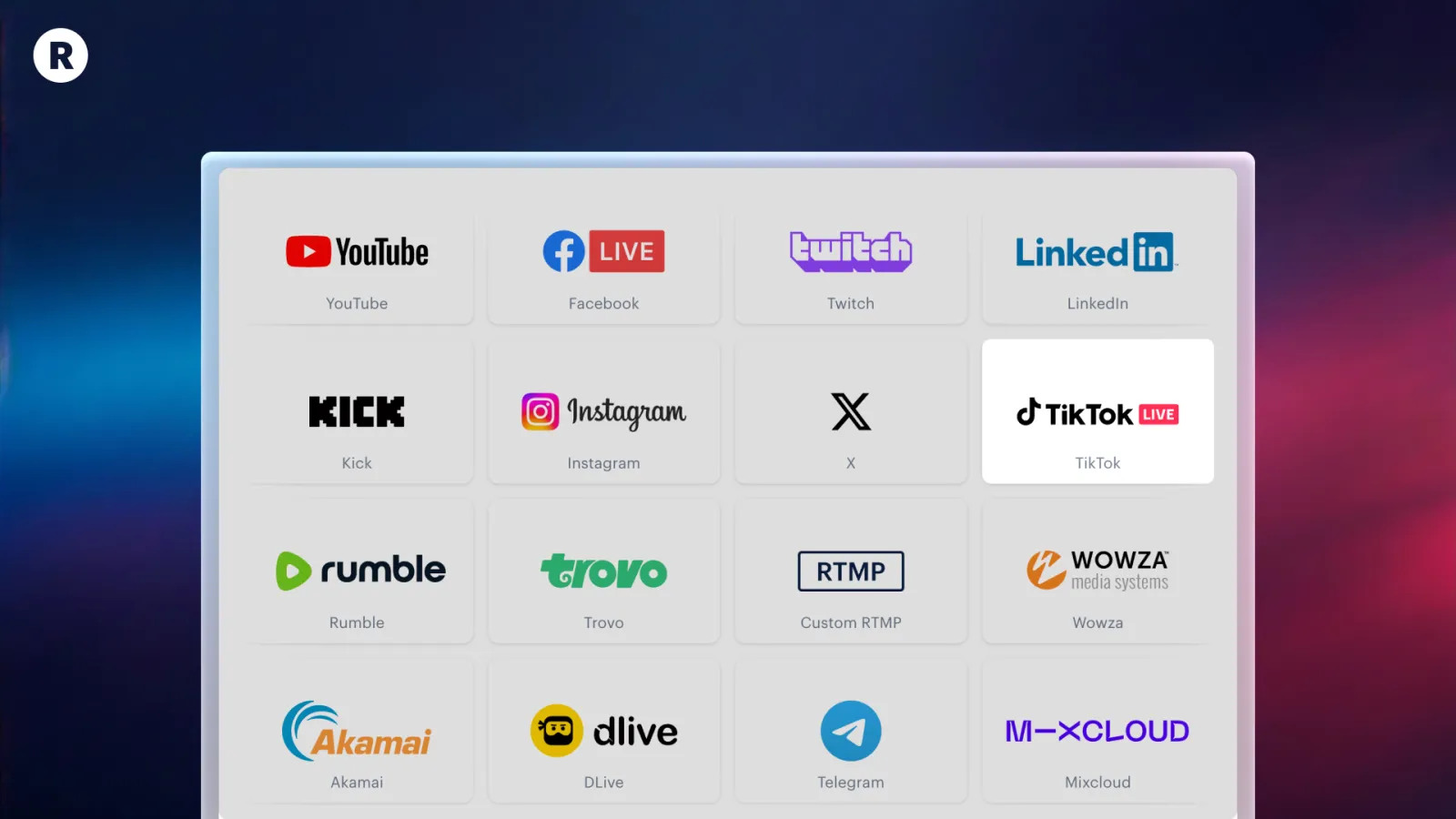
- Log into your TikTok account and authorize Restream.
- Once TikTok is linked to your Restream account, click the New Stream button on your Home.
- Choose how you’d like to go live and set up your stream. You can pick between:
- Restream Studio - our browser-based production tool.
- Encoder | RTMP - to use Restream with your favorite tool, like OBS.
- Video or Playlist - to upload and stream pre-recorded videos as a live stream.
- Once you’re ready, toggle on your TikTok channel on Restream and start streaming. You’ll be able to stream on TikTok without a stream key, using Restream’s built-in integration.
- Open the TikTok Live Monitor to stay engaged with your audience’s comments and reactions.
Pro tip: You can also take advantage of Restream’s multistreaming feature to stream on TikTok and multiple other platforms at once. Now that you know how to stream on TikTok without a stream key, you can follow the same steps to connect all your favorite channels to Restream. To multistream, just toggle them on alongside TikTok once you’re ready to go live.